Guides
Cookies, tracking and what you can do about it
Plain-English answers, backed by what our checker sees on real websites in the Browser Monster Index.
How to
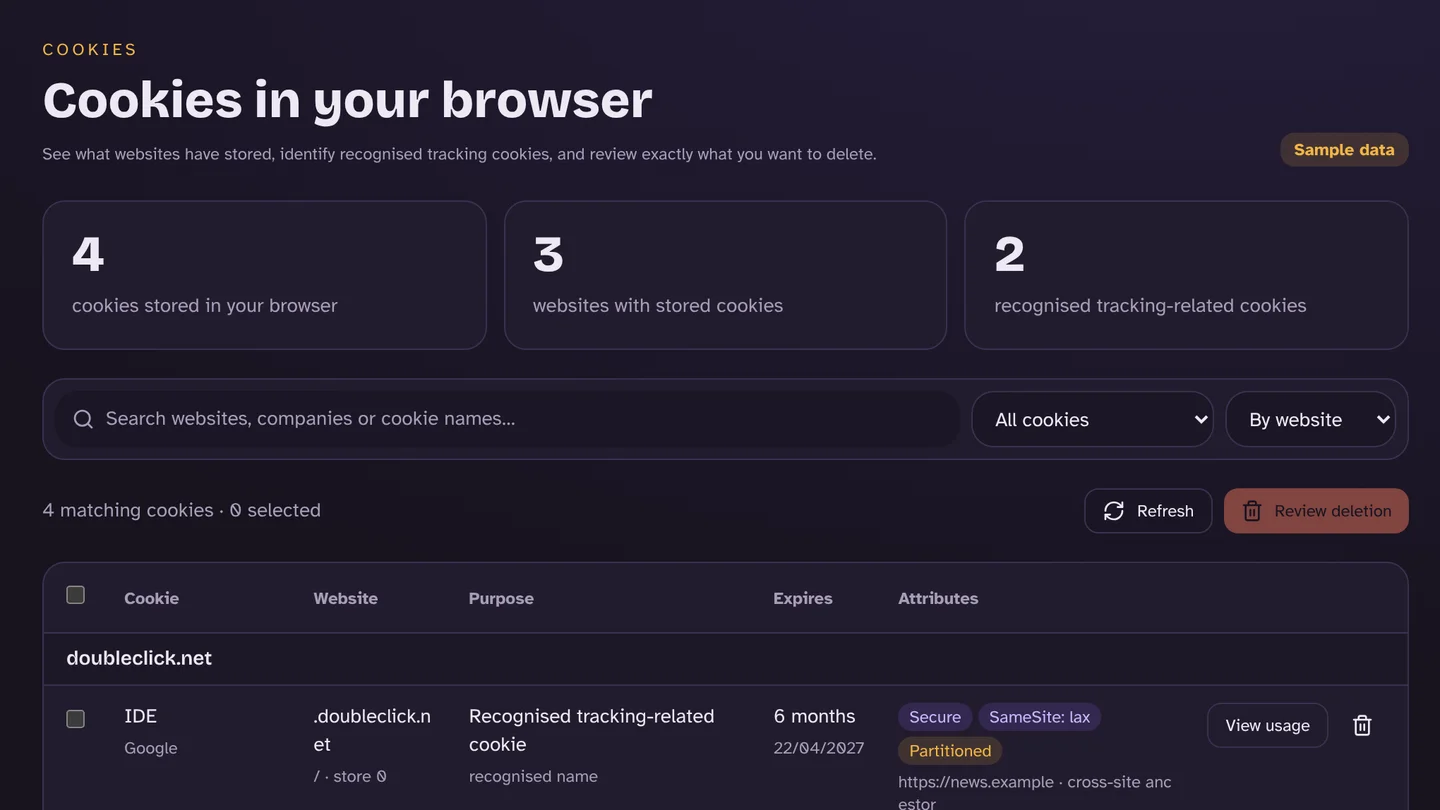
How to clear cookies in Chrome, Safari, Edge and Firefox (and keep your logins)
In Chrome, press Ctrl+Shift+Delete and tick “Cookies and other site data”. On iPhone, go to Settings → Apps → Safari → Clear History and Website Data. Or remove just the tracking cookies and stay logged in.
24 October 2026 · 7 min read
Explainer
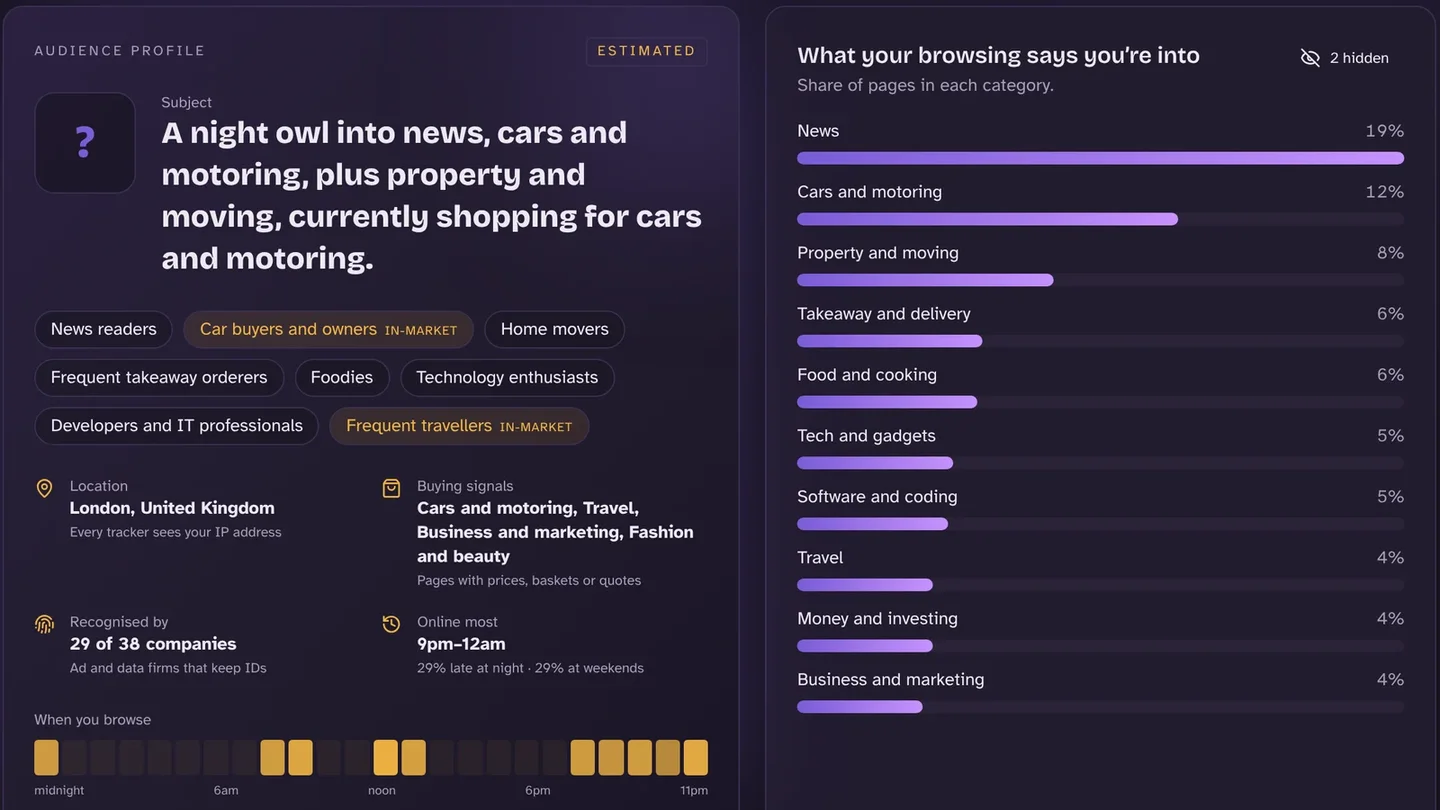
What is a digital footprint? And how to see yours
Your digital footprint is the trail of data you leave online: what you share on purpose, and what companies collect without you noticing. On the average UK site we checked, 12.7 tracking companies loaded.
24 October 2026 · 8 min read
Index data
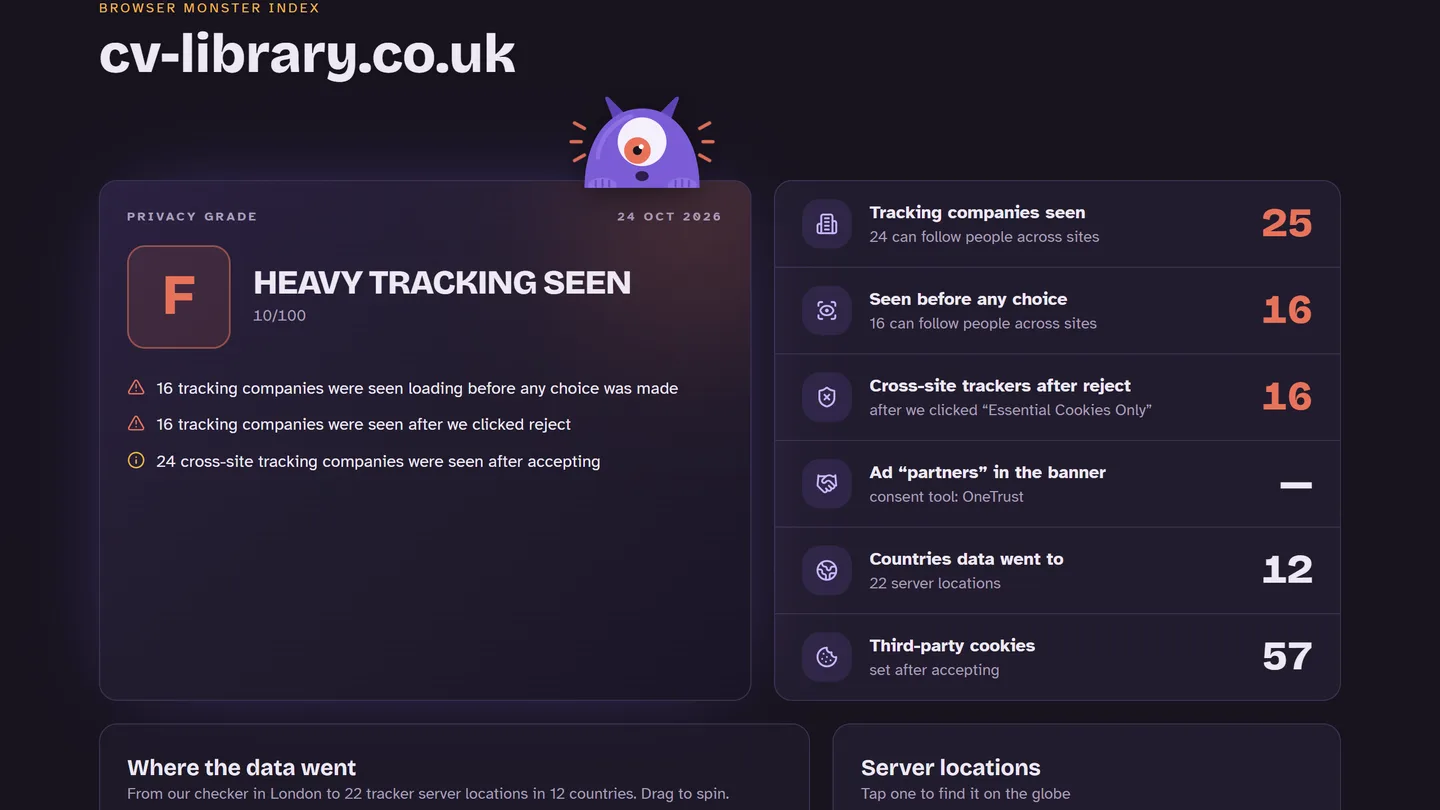
Do websites keep tracking you after you click “Reject all”?
Often, yes. When we clicked “Reject all” on 94 popular UK websites, 47% still loaded tracking companies afterwards, and 43% still loaded advertising companies.
24 October 2026 · 7 min read
How to
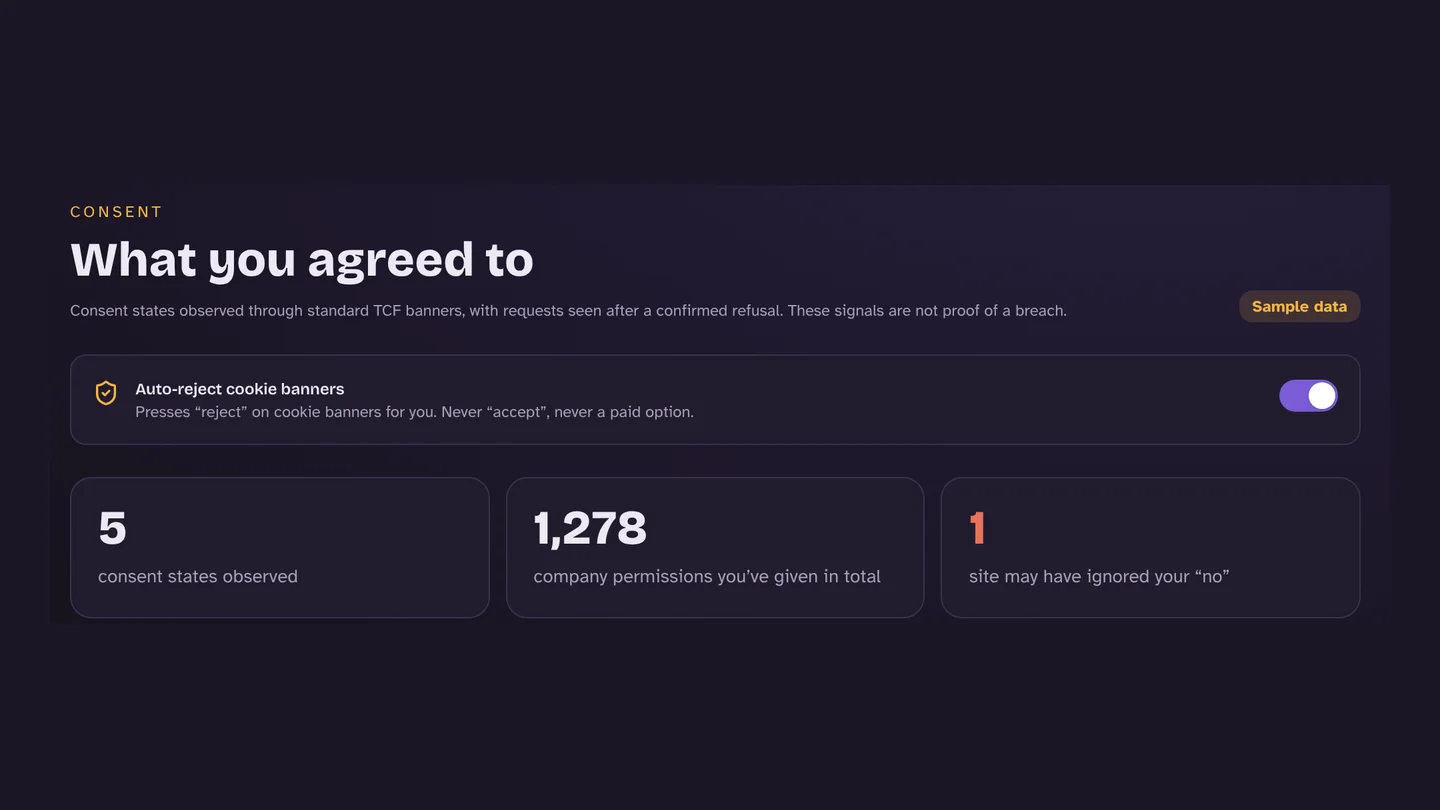
How to automatically reject cookie banners in Chrome
Chrome can’t answer cookie banners for you on its own, so you need an extension. Pick one that clicks “reject”: some popular banner blockers hide the banner or accept cookies instead.
24 October 2026 · 6 min read
Explainer
“Reject and pay” cookie banners: what they are and whether they’re allowed
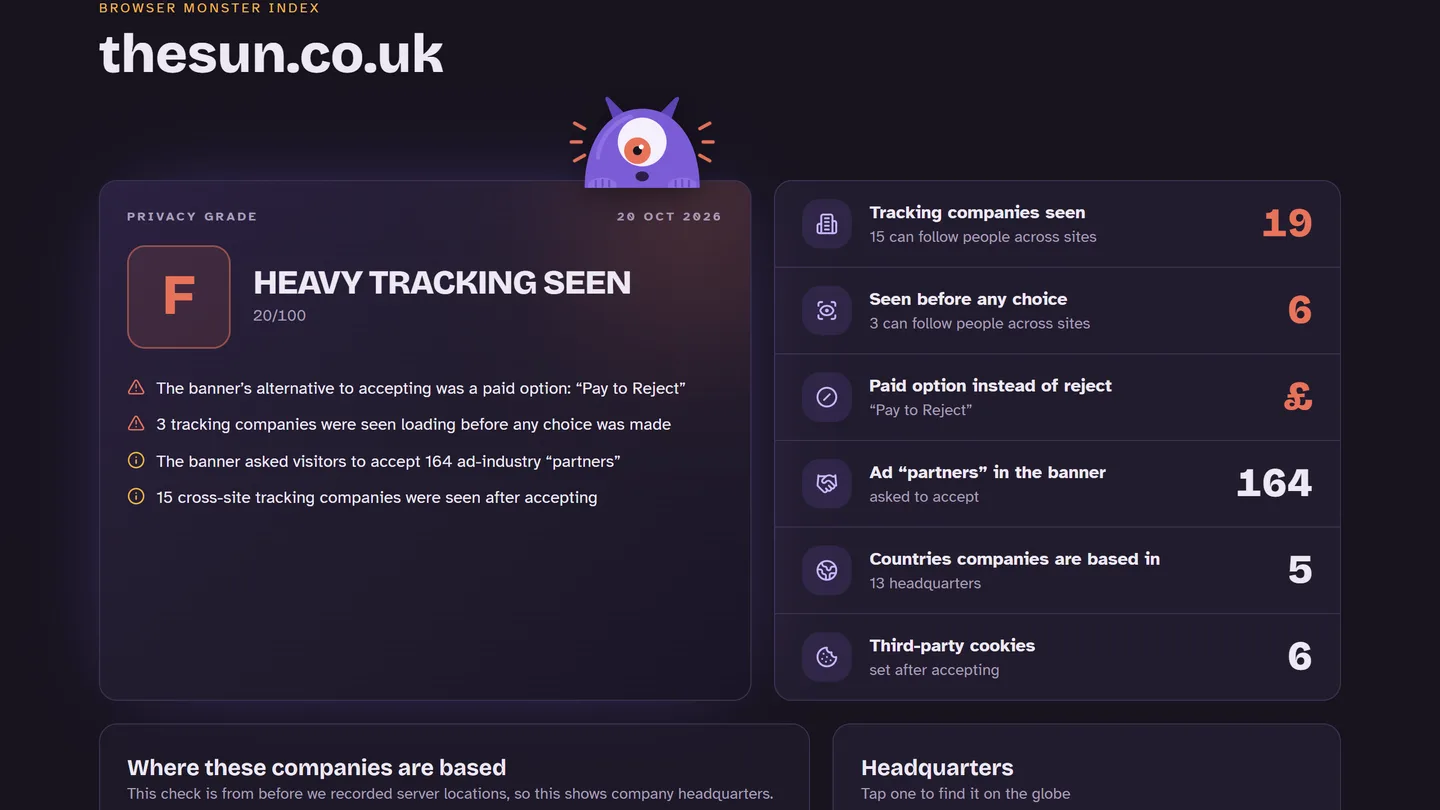
“Consent or pay” banners let you refuse ad tracking only if you pay. They aren’t banned in the UK, but the ICO says the fee must be fair and the choice real. We found 17 such sites in the Index.
24 October 2026 · 6 min read